Paycom Connections and Workflows

Select the Connections and Workflows that are right for your business.
Once you register for a free trial, Cohesion will guide you through connecting your systems and selecting the Workflows that are right for you.

Connect From

POS Systems


Available

Features

Core Features
  • Payroll/Time Entries
  • Labor Job Mapping
  • Shift Sync
Options
  • Overtime Rules
  • CA Meal Period Violations
  • CA Split Shift Pay
  • CA Reporting Time Pay
  • NY Spread of Hours
  • Call-In Pay
  • Publish by Target Group

How It Works

Cohesion automates the path from your restaurant's POS system to Paycom in four steps.

1. Connect

Connect your restaurant's POS system to Cohesion, and connect Cohesion to Paycom.

2. Collect

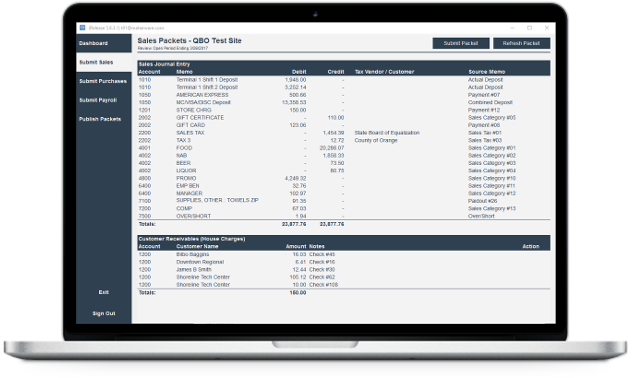
Cohesion collects Time Entries transactions from your restaurant POS system.

3. Review

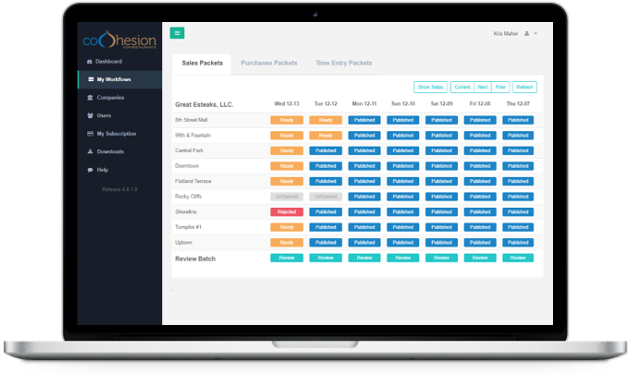
Submit, review, accept, or reject each transaction, managing the workflow for everything before it moves forward.

4. Publish

Seamlessly publish hours and rates per job for each employee in a pay period to Paycom.

Pricing

Pricing is determined by the Workflow option(s) that you select.

We proudly accept the following payment types

Paycom Source Workflow Price Status
Paycom Payroll Services Toast POS Payroll/Time Entries $30 per Mo/Site Available
Paycom Payroll Services Qu Beyond POS Payroll/Time Entries $30 per Mo/Site Available
Paycom Payroll Services POSitouch Payroll/Time Entries $30 per Mo/Site Available

Frequently Asked Questions

What POS systems can I connect to Paycom through Cohesion?

Cohesion connects Toast POS, Qu Beyond POS, and POSitouch to Paycom.

What workflows are available for Paycom?

Payroll/Time Entries, with support for shift violation rules and overtime rules.

What accounting systems can I use alongside Paycom?

Cohesion can post your restaurant's Sales Journal, Receivables, and Purchases workflows to QuickBooks Online, QuickBooks Desktop, or Sage Intacct while Paycom handles Payroll/Time Entries.

How much does Cohesion cost?

Pricing is determined by the Workflow option(s) you select, billed per month per restaurant site. You can try any workflow free for 30 days.